
OIT has adjusted IT duties, in partnership with UAF.
 The new arrangement means OIT’s primary focus is on IT services in support of the
entire UA System, while UAF’s new Nanook Technology Services Department (NTS) provides end user and Helpdesk (among other) services for students, staff, and faculty at both UAF and the System
Office. Learn more>>
The new arrangement means OIT’s primary focus is on IT services in support of the
entire UA System, while UAF’s new Nanook Technology Services Department (NTS) provides end user and Helpdesk (among other) services for students, staff, and faculty at both UAF and the System
Office. Learn more>>
We're in the process of adding fresh content to our website. Keep an eye out for
the latest updates coming soon.
We appreciate your interest and thank you for your patience.
What we do
-
Platforms and Applications
- Database Administration
- Server Administration & Hosting
- AppManager Monitoring and Administration
- Confluence WIki Pages
- Blackboard Collaborate
- Google Workspace @ UA
- Learning Management (UA Blackboard + Canvas for UAF)
- Active Directory
- Version Control (github)
- Virtual Desktop Infrastructure (VDI)
- Project Management (Team Dynamix)
-
Enterprise Applications
-
Web Services
-
Security Operations and Incident Response
Identity and Access Management
-
IT Risk Management
Governance and Strategic Planning
-
Data Privacy and Compliance
Records and Information Management (OnBase)
Office 365 access for students, faculty and staff
April 19, 2024
Did you know that the University of Alaska provides all current students and staff their own license for Office 365?
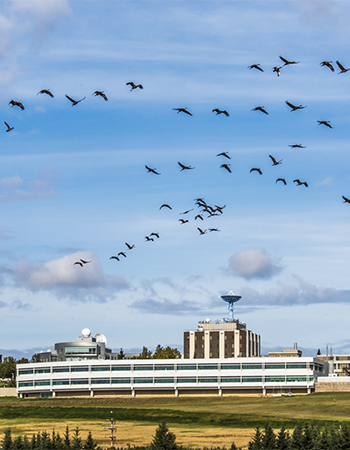
Butrovich Data Center Facility Upgrade Project May 11th - 18th
April 19, 2024
UAF Facilities Services will be conducting a planned maintenance power shutdown in the Butrovich Building to integrate a maintenance bypass switch for the Uninterruptible Power Supply (UPS) for the Butrovich Data Center (BDC).
Current System Status
Planned Outages
- Subscribe here to receive outage info via email.
- View activities